
The easiest way to include our code on your WordPress installation is with a Plugin called WPCode. To accomplish your task follow these steps:
Step 1 – Install WPCode
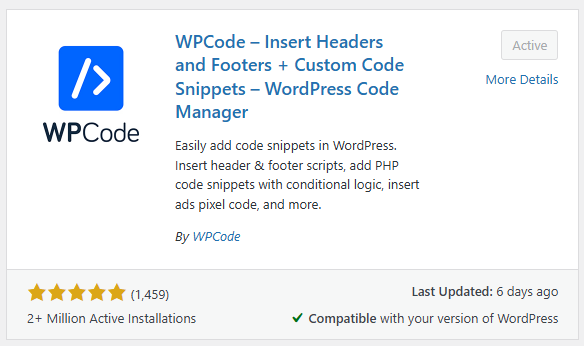
- Go to “Plugins” > “Add new Plugin”
- Search for “WPCode”
- Install and Activate the plugin
Step 2 – Configure your code
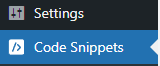
You should now have a new section on your website called “Code Snippets”
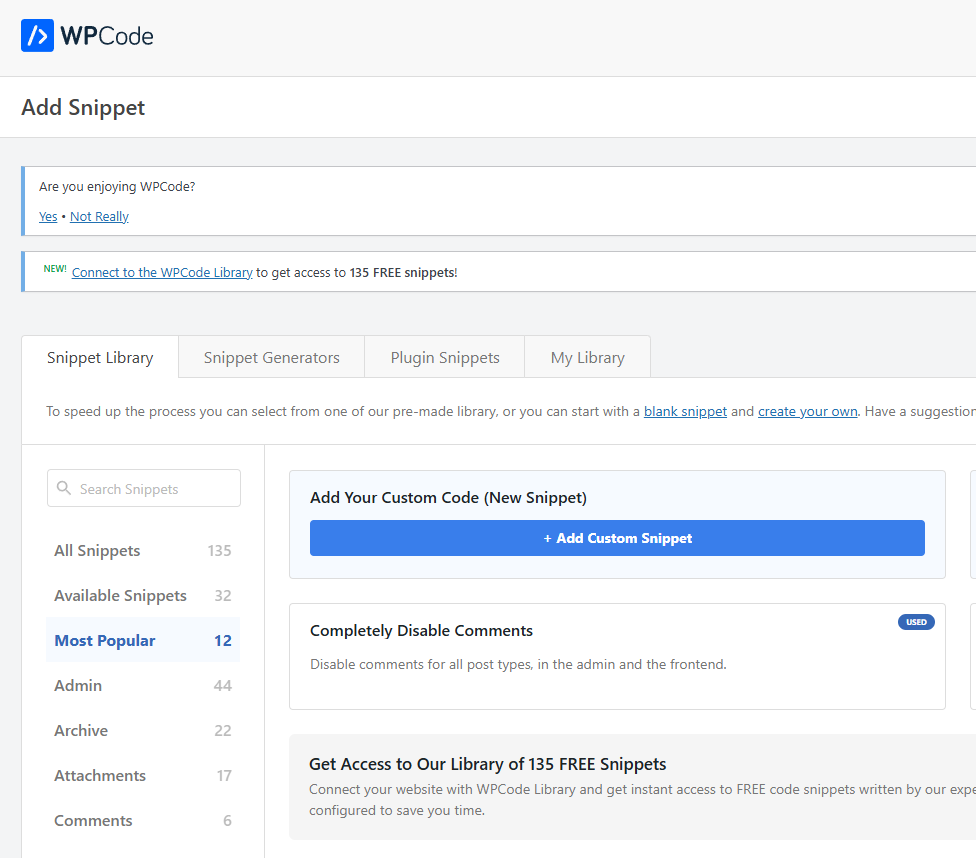
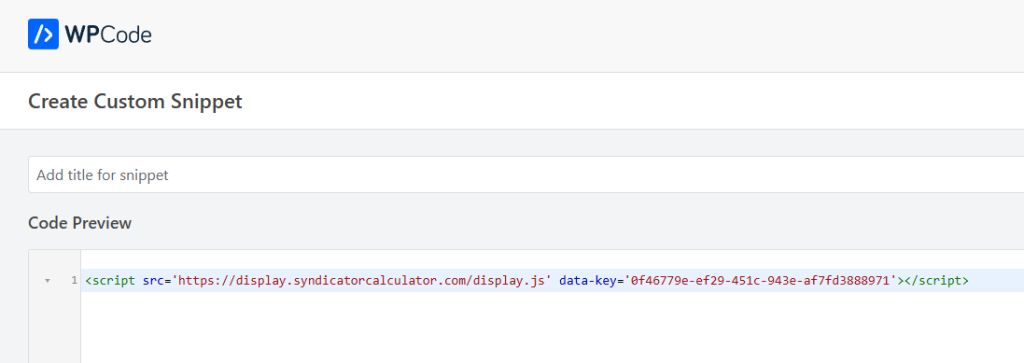
Select “Add Custom Snippet”
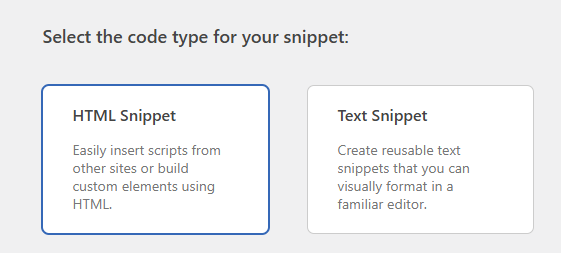
Select “HTML Snippet”
Paste your the code you copied from the configuration window in the “Code Preview” Section
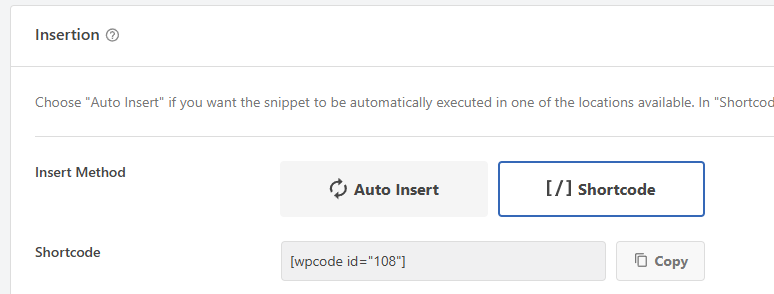
Under “Insertion” > “Insert Method” select “Shortcode”
Go back to the top of the page and ensure to activate the Code Snippet!

Click “Copy” Next to the shortcode.
Now you can include this code in any of your WordPress pages!
Note that you can include the code anywhere in the page. We recommend that you include your deal offer banner and any deal details on top of the page, as well as a good way for potential investors to subscribe to your list!


